FOLDING PAPER IN CRYSTAL: TEACHING A 96-INDEX GEMSTONE TO CARVE ORIGAMI
A quick note: I’m not a trained gemologist. No GIA diploma, no mineralogy degree, and no traditional bench apprenticeship. Just a software engineer who fell down the rabbit hole of faceting machines, geometry, and how light bounces around inside crystals.
What if the top of a gemstone wasn't just a flat blank window?
For five hundred years, almost every faceted stone has treated the top of the crown the same way: grind one dead-flat horizontal polygon (the table) and ring it with symmetric star and bezel facets. Every now and then someone frosts a star onto a pavilion or laser-etches an inscription onto a girdle, which is fine, though it always feels a bit like putting a sticker on glass after the real cutting is already over.
A few weeks ago I got stuck on a much sillier question. Could you take a folded-paper origami animal, like a sitting fox, a classic paper crane, a horned owl, or a winged dragon, and carve every single paper crease directly out of real three-dimensional crown facets on a normal 96-index faceting machine?
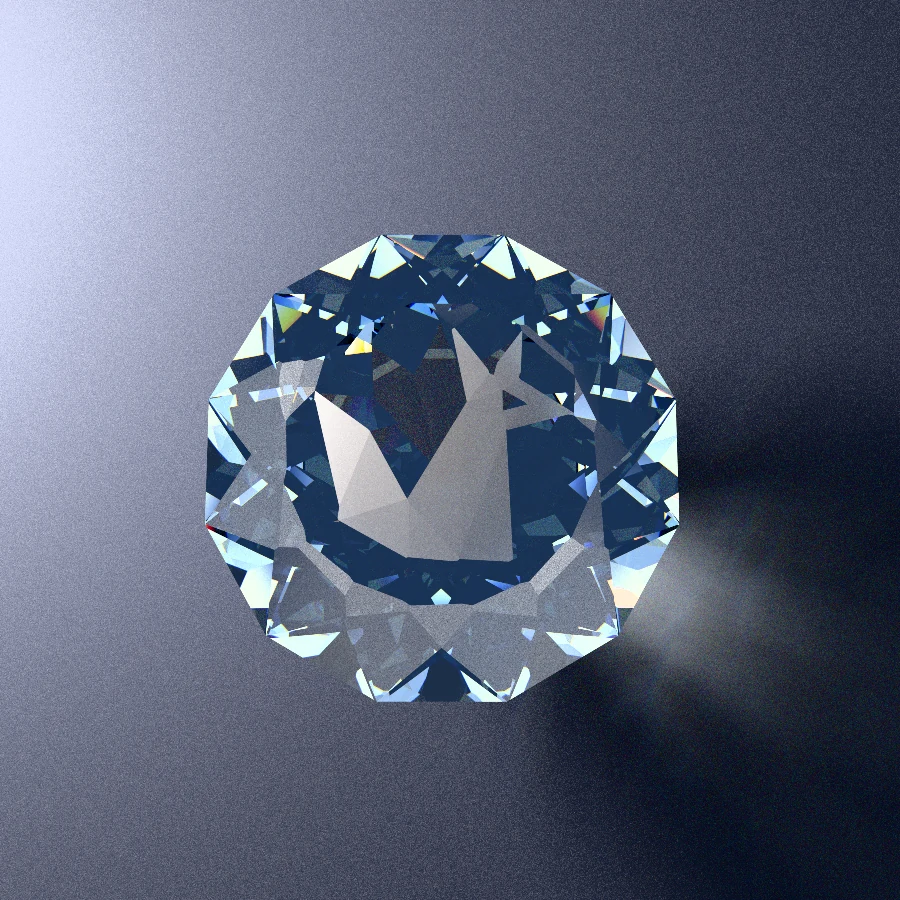
No laser engraving. No acid masking. No rotary carving burrs. Every line in that fox is a real ridge where two flat facets meet on the crown. The folded-paper facets are left with a fine satin pre-polish ({ frosted: true }) so they catch raking light like folded washi paper, while the surrounding negative-space facets are polished to a mirror finish so you look straight past the fox into the blue bowl of the stone.
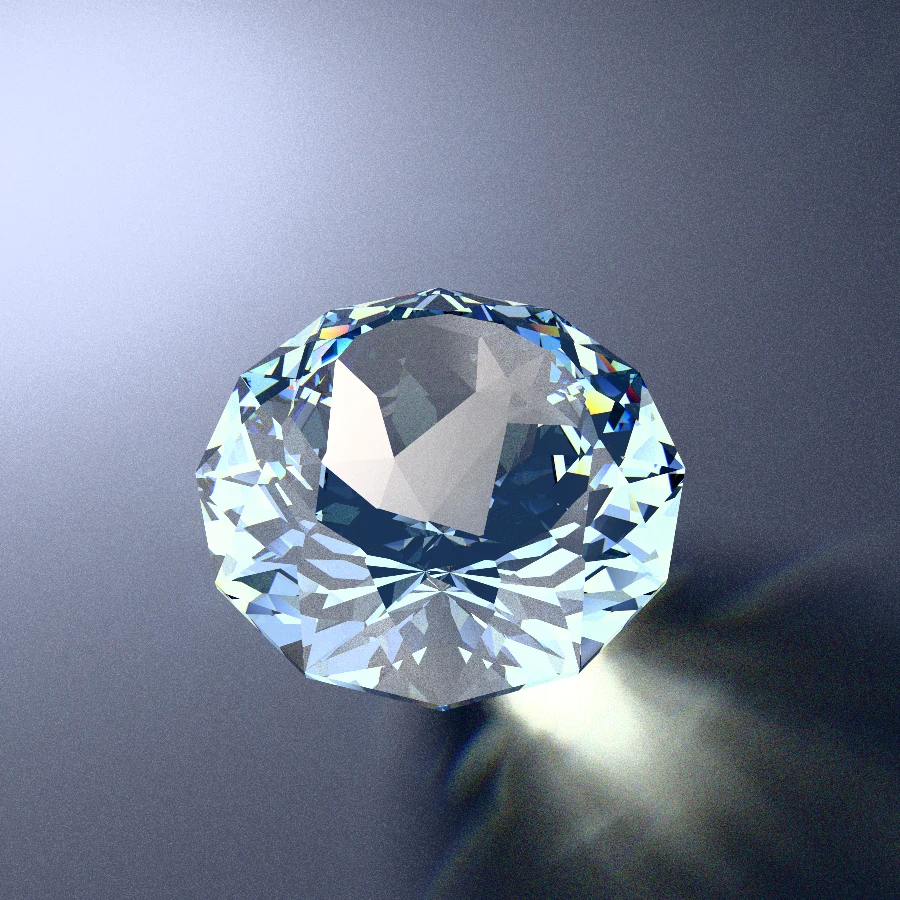
When you tilt the gem under a desk lamp, you can see that the fox isn't flat at all. It sits on a very shallow, multi-faceted dome that bends light across every crease and throws sapphire caustics onto the table:
Getting from a cute 2D paper drawing to a stone a human could actually cut, and actually see, turned into four separate headaches. Each one showed up right when I thought I was finished:
- Not chopping the fox's head off on a flat lap: You can't just draw triangles on a stone. Every touch against a flat spinning lap slices an infinite plane all the way across the crystal, so the whole animal has to live on a strictly convex dome, even after snapping every facet onto the fixed
3.75°clicks of a 96-tooth index gear. - Making it cuttable by a human (not just a robot): A computer is happy to spit out 47 decimal heights like
0.841372, which is completely useless to a human peering through a10×loupe. Every single facet needed a real physical corner (a meetpoint) to stop at, which meant teaching the software an old bench trick: temporary, self-erasing help-cuts (CH*). - Adapting across gem materials without warping the fox: Moving a crown between Quartz (
RI 1.54) and Sapphire (RI 1.76) without distorting a single ear or breaking a single meetpoint, using the classic tangent-ratio scaling faceters already know from GemCAD and Gem Cut Studio. - Making the animal actually visible in real light: Our first renders were a disaster. Bright pavilion reflections and high-RI glare completely drowned out the drawing! Making the origami pop meant taming the pavilion behind it and learning the hard way why
RI 1.76had to be our strict ceiling.
Here is how those four pieces came together.
Why You Cannot Just Draw Triangles On A Gemstone
If you hand a 3D graphics programmer a 2D vector drawing of an origami fox and ask for a 3D mesh, they will chop the drawing into triangles, nudge the vertices up a fraction of a millimeter, and go grab coffee.
Try cutting that mesh on a flat faceting lap and your fox turns into dust in thirty seconds.
A flat diamond lap cannot reach in and carve one isolated triangle in the middle of a surface. Every time you touch the stone to the spinning lap at a given index tooth and mast angle, the lap grinds away everything sitting above that flat plane all the way across the crown.
If even one crease in the fox's ear dips inward by a tenth of a degree, forming a tiny valley instead of an outward ridge, the lap doesn't politely stop at the edge of the ear. That flat plane keeps going right across the crown and slices off the fox's head.
That means the entire crown has to be strictly convex: every single interior crease has to fold slightly downward away from its neighbors, like the panels of a very shallow tortoise shell.
Fifty Tiny Roofs And A 96-tooth Gear
Once you force yourself to think only in flat lap cuts, a neat mental picture falls out.
Imagine building a shallow glass conservatory roof out of fifty nearly-flat panes of glass, each tilted at a slightly different angle over the stone. Because every cut on the lap removes all crystal above its plane, when you look straight down at any (x, y) spot on the crown, which facet survives? Simply whichever plane sits lowest at that spot. Every straight paper crease in the origami animal is just the ridge line where one tilted plane dives underneath its neighbor and takes over.
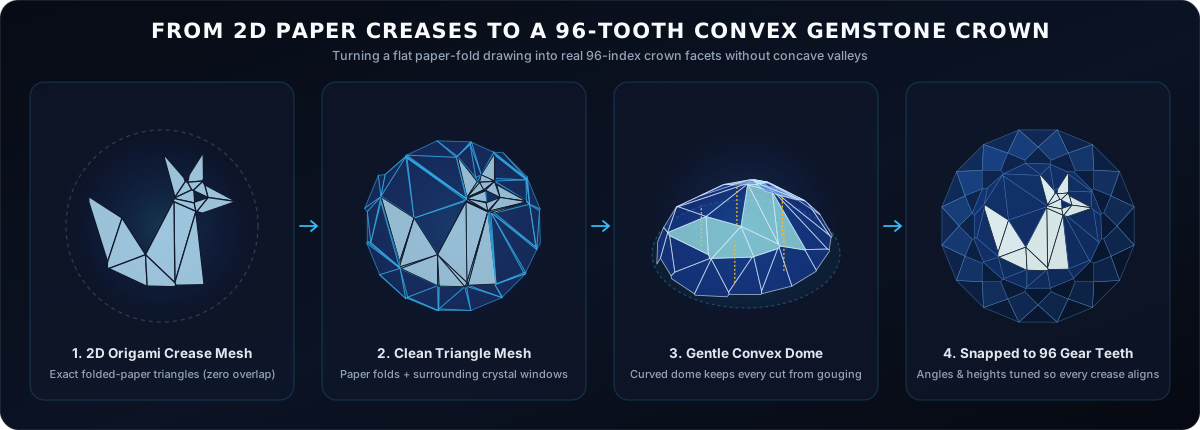
In practice, turning a flat origami drawing into real crystal planes takes four steps:
- Layering & Triangulating the Paper Folds: An origami fox has overlapping layers: tail tucked over the hip, head over the chest, ears over the head. First we clip those overlapping layers cleanly (just like real folded paper so hidden layers stay hidden) and connect the surrounding negative-space crystal windows out to a 16-sided outer crown ring (
C3) without shattering straight paper creases into extra sub-triangles. - Lifting onto a Gentle Dome: Next, we drape those triangles over a smooth, shallow dome with just a few degrees of curvature from center to rim, nudging the vertex heights so every single crease bends slightly outward by at least a quarter of a degree. Now no facet can ever gouge across a neighbor.
- The 96-Tooth Index Gear Catch: Here is where real hardware fights back. A faceting machine cannot spin to arbitrary decimal compass headings. On a standard
96-toothindex gear, your rotation clicks in fixed steps of360° / 96 = 3.75°. When I first rounded 47 delicate facet directions to the nearest3.75°gear tooth while keeping their heights fixed, the fox looked like it had been run over. Skinny ears pinched shut and narrow tail folds got swallowed whole by neighboring planes. - Sliding the Planes Back into Alignment: Even with every facet locked onto a real tooth of the
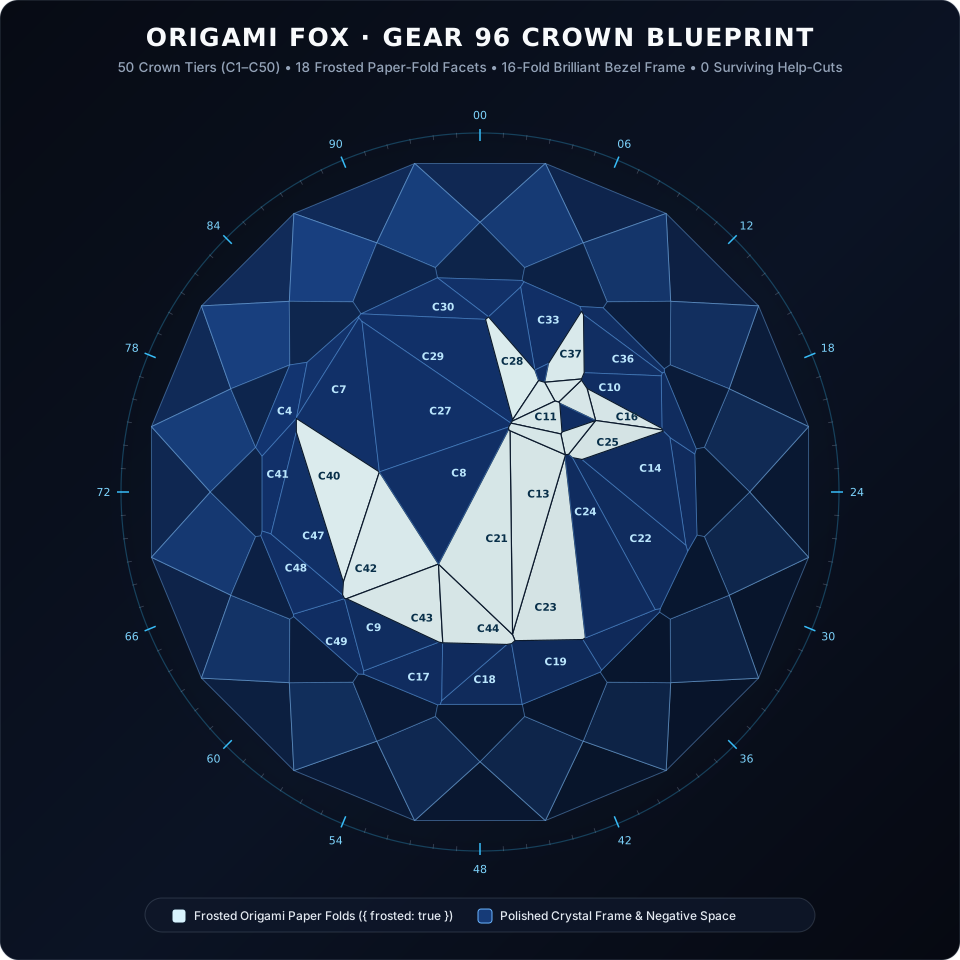
96gear, you still control two things on the mast: each facet's mast angle (how steeply it tilts) and how deep you cut it. By nudging all 47 angles and depths together in small steps, the planes gently slide and tilt across the dome until every single triangle of the original drawing snaps back into its proper boundary:
The Human Problem: Floating Numbers Are Uncuttable
The first time that fox blueprint popped up on my monitor and rendered cleanly in the path tracer, I leaned back in my chair feeling pretty smug.
That lasted about ten seconds, right up until I opened the generated cut sheet and imagined actually sitting down at a faceting machine to cut it. As instructions for a human being, it was complete garbage.
The raw solver output looked like this:
// UNCUTTABLE RAW COMPUTER OUTPUT (floating decimal heights):
C23 7  @ 4.76 : Point(0, 0, 0.841372) x1 { frosted: true }
C24 5  @ 6.03 : Point(0, 0, 0.859104) x1
C25 1  @ 6.97 : Point(0, 0, 0.871940) x1 { frosted: true }
A CNC robot with micron encoders and a force sensor can cut Point(0, 0, 0.841372). A human cutter cannot.
On a real manual machine, the blob of wax holding the stone on the brass dop varies by half a millimeter, your mast height reading shifts the moment you swap from a 600-grit cutting lap to a 3,000-grit pre-polish lap, and touching the cheater knob changes everything. Human faceters don't cut to invisible decimal numbers floating in mid-air. Humans cut to meetpoints: you touch the stone to the lap, wipe off the slurry, look through a 10× triplet loupe, and stop the exact instant your new facet kisses an existing three-facet corner (mp(A, B, C)) already sitting on the crystal.
So the obvious question was: can we just reorder the 47 fox facets so each one meets a corner left behind by the facets cut before it?
We tried. Here is what happened on Origami Fox:
- First you cut the 16-fold outer crown frame (
C1,C2, andC3), which leaves a neat ring of 16 corners around the upper rim, rising to a pointed central peak like an attic roof. - One fox facet (
C4at index54, angle21.16°) happens to pass straight through one of those outer rim corners (mp(C2:51, C3, C3)). Great! You can cutC4cleanly by eye with zero guesswork. - And then? Total deadlock.
Not a single one of the remaining 46 fox facets (C5 through C50) touches any corner currently visible on the stone. All the places where those paper creases eventually meet each other are still buried inside solid uncut sapphire underneath that central C3 peak, while the ridges currently sticking up in the air don't have corners at the right heights yet.
When human master cutters hit this kind of geometric stalemate on a custom cut, they reach for a classic bench trick: a temporary, sacrificial help-cut (CH*).
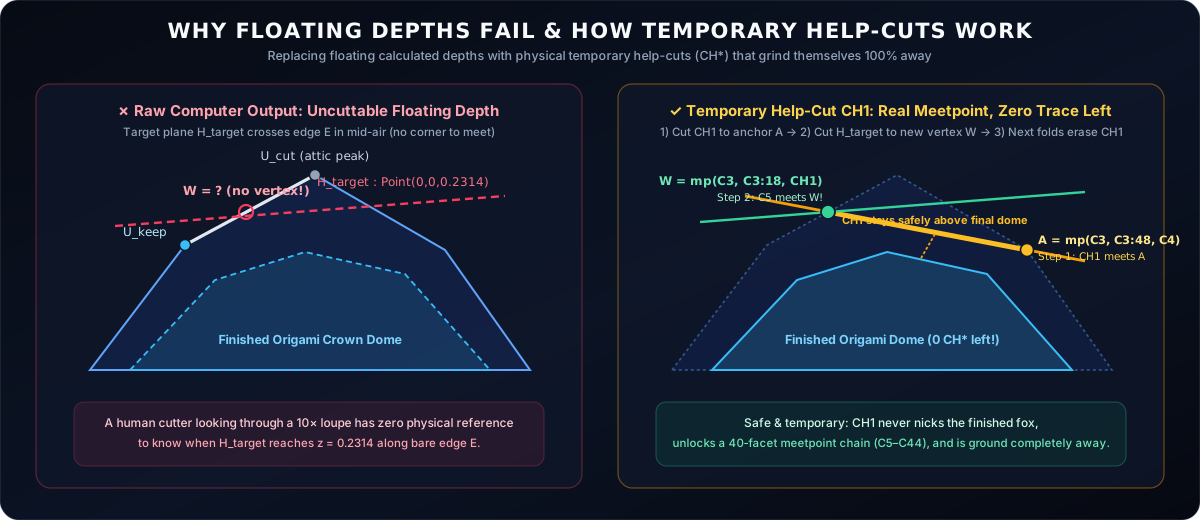
Look at the right half of that diagram to see why the trick is so satisfying:
- Suppose our next fox facet (
C5) needs to slice across an existing ridge high up on the sacrificial peak of the crown, but right now that target spot is just an unmarked point along a bare straight edge. There is no corner there to aim for. - Before cutting
C5, we cut one shallow temporary guide facet (CH1) at a single index tooth, stopping whenCH1meets an already-existing cornerA(mp(C3, C3:48, C4)). - We choose
CH1's index tooth and tilt angle so its flat plane slices across that upper ridge at the exact spotC5needs. Suddenly, peering through your10×loupe, there is a brand-new, razor-sharp 3-facet cornerW = mp(C3, C3:18, CH1)waiting for you! - Just as important, every temporary
CH*help-cut has to obey two strict safety rules: it must stay completely up in the sacrificial "attic" above the finished dome (so it never nicks or scars the final fox), and the remaining fox facets must cut deeper across its entire footprint, grinding the temporary help-cut 100% out of existence before the stone is finished.
One Help-cut Unlocks Forty Facets In A Row
If you needed one temporary help-cut for every single origami facet, a 47-facet fox would turn into a 94-step slog, and nobody in their right mind would ever cut one.
So instead of grabbing the first help-cut that works, our scheduler plays a game of lookahead chess on the 3D crystal: whenever the cutting order stalls, it tests candidate 96-gear help-cuts by simulating how big a chain reaction of free, direct meetpoint cuts each candidate unlocks.
When I ran that search on Origami Fox, the result genuinely surprised me:
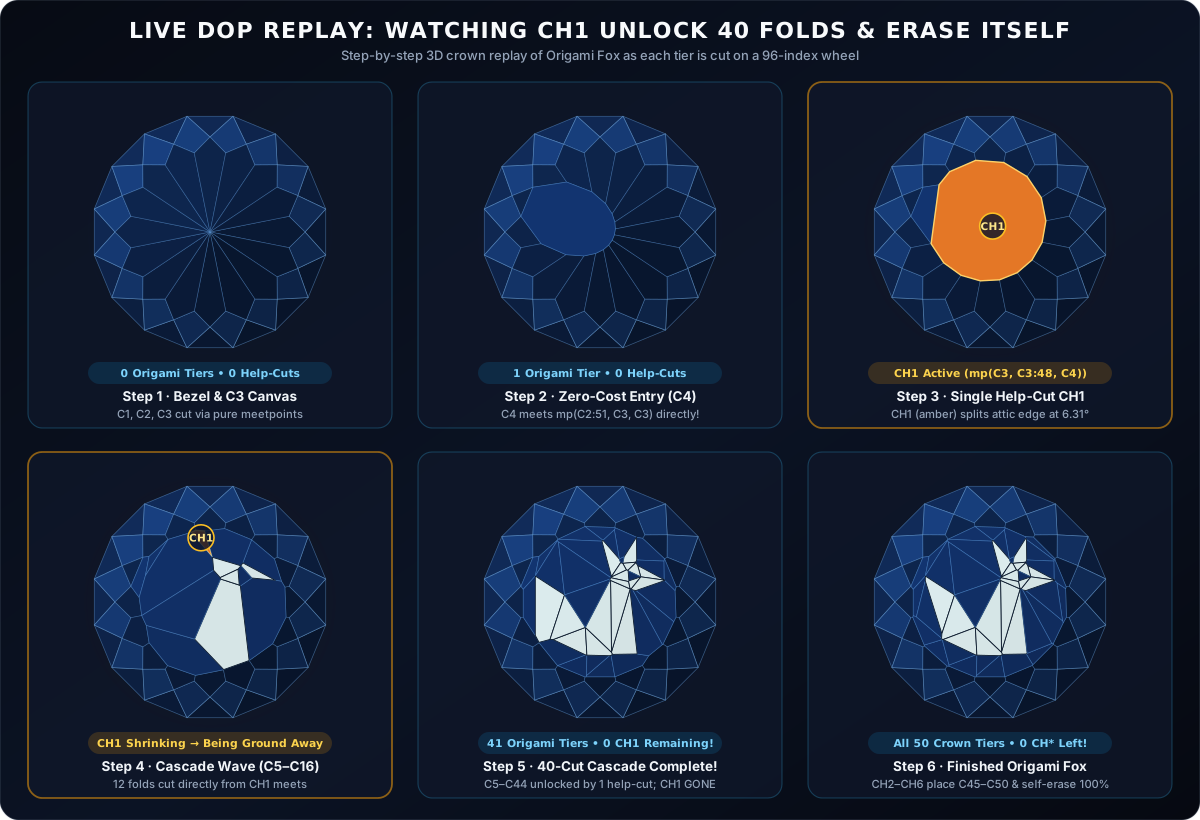
Follow those six frames across the dop:
- Step 1 (
C1–C3): Cut the symmetric 16-fold outer bezel and dome ring (x16), all standard meetpoints. - Step 2 (
C4): CutC4(54 @ 21.16°) straight to the rim cornermp(C2:51, C3, C3). - Step 3 (
CH1): Cut one temporary guide facetCH1at index67, angle6.31°, stopping atmp(C3, C3:48, C4)(highlighted in amber). - Steps 4 & 5 (
C5throughC44): That single temporary facetCH1sets off a 40-facet domino cascade!C5andC6meet two crisp corners onCH1;C7meetsmp(CH1, C5, C6);C8meetsC7; and from there each new facet uncovers the exact corner needed by the next, rippling across the fox's tail, back, chest, head, and both ears while grindingCH1completely off the gem. - Step 6 (
CH2–CH6&C45–C50): Five tiny perimeter guide cuts place the last six outer crystal-window wedges around the rim, and each one is immediately ground away by the facet right after it, leaving zero temporary facets on the finished sapphire.
Here is what the resulting meetpoint FSL looks like, with not a single Point(...) or floating decimal depth anywhere:
// Pure-Meetpoint Origami Fox (gear = 96, 100% meetpoints, 0 surviving CH* facets)
name = "Origami Fox"
ri = 1.76
gear = 96

// 16-fold Pavilion & Girdle (Calm Portrait Bowl)
P1 0 @ 44.92 : cp() x16
G1 0 @ 90.00 : 1.0100 x16
P2 3 @ 42.29 : mp(G1, G1, P1) x16
P3 0 @ 37.45 : mp(P1, P2, P2) x16

// 16-fold Outer Crown Frame + Rim Entry C4
C1 0  @ 40.33 : gp() + girdle * 1.215 x16
C2 3  @ 35.34 : mp(G1, G1, C1) x16
C3 0  @ 29.22 : mp(C1, C2, C2) x16
C4 54 @ 21.16 : mp(C2:51, C3, C3) x1

// ONE temporary help-cut CH1 unlocks 40 consecutive Origami facets (C5..C44)!
CH1 67 @ 6.31 : mp(C3, C3:48, C4) x1
C5  78 @ 8.04 : mp(C3, C3:18, CH1) x1
C6  79 @ 4.98 : mp(C3, C3:36, CH1) x1 { frosted: true }
C7  59 @ 5.89 : mp(CH1, C5, C6) x1
C8  51 @ 2.32 : mp(C3, C3:48, C7) x1
C9  32 @ 9.38 : mp(C3:12, C3, C8) x1
C10 87 @ 9.80 : mp(C3:78, C3, C5) x1
C11 88 @ 3.92 : mp(C3, C3, C10) x1 { frosted: true }
C12 90 @ 5.45 : mp(C3, C3:18, C11) x1
// ... C13 through C44 all cut to pure mp(...) corners and erase CH1 100% ...
CH2 1  @ 10.20 : mp(C3, C14, C22) x1
C45 1  @  9.28 : mp(C3, C3, CH2) x1
// ... CH3->C46, CH4->C47, CH5->C48->C49, CH6->C50 (zero CH* facets remain!)
And on the printable PDF bench sheet, every step reads like normal, everyday meetpoint instructions:
| Step | Angle | Index (gear = 96) |
Bench Meetpoint Instruction | Finish |
|---|---|---|---|---|
C1 |
40.33° |
00-06-12-...-90 (x16) |
Establish level girdle width | Polished |
C2 |
35.34° |
03-09-15-...-93 (x16) |
Meet G1, G1, C1 at girdle corners |
Polished |
C3 |
29.22° |
00-06-12-...-90 (x16) |
Meet C1, C2, C2 (16-sided dome ring) |
Polished |
C4 |
21.16° |
54 (x1) |
Meet C2:51, C3, C3 (rim entry corner) |
Polished |
CH1 |
6.31° |
67 (x1) |
Meet C3, C3:48, C4 (Temporary guide, self-erases) |
Pre-polish |
C5 |
8.04° |
78 (x1) |
Meet C3, C3:18, CH1 (upper witness corner) |
Polished |
C6 |
4.98° |
79 (x1) |
Meet C3, C3:36, CH1 (lower witness corner) |
Frosted |
C7 |
5.89° |
59 (x1) |
Meet CH1, C5, C6 (locks central fox crease) |
Polished |
C8–C44 |
2.16°–14.30° |
Single x1 teeth |
37 consecutive mp(...) cuts; grinds CH1 100% away |
Mixed |
CH2–C50 |
8.74°–18.36° |
Single x1 teeth |
5 small perimeter guide splits placing C45–C50 (0 CH* left) |
Polished |
Scaling From Quartz To Sapphire: Good Old Tangent-ratio Scaling
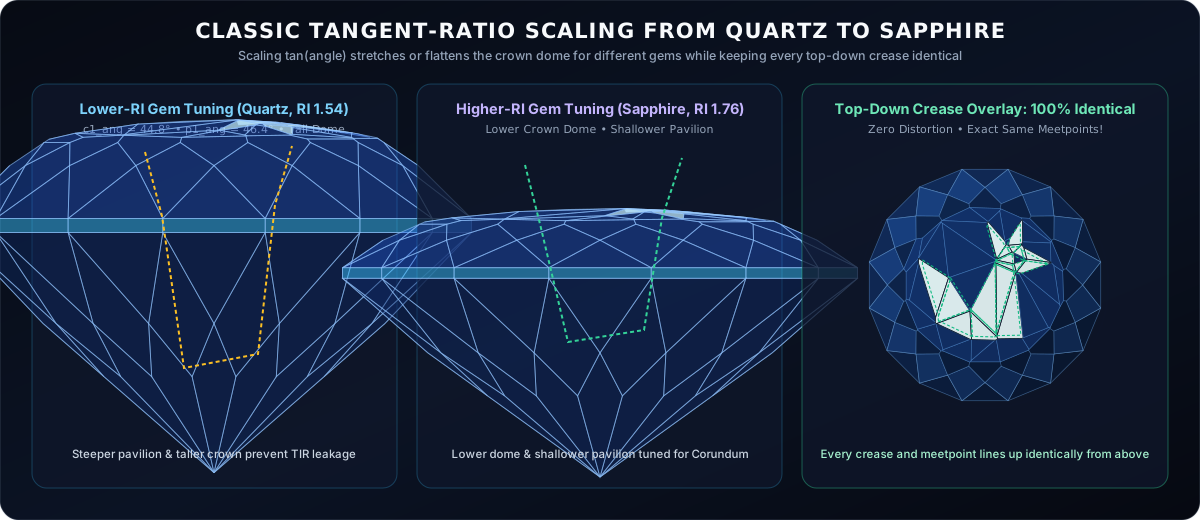
What if you want to cut a crane in Aquamarine (RI 1.58), a howling wolf in Topaz (RI 1.61), or a dragon in Sapphire (RI 1.76)? Different gem materials bend light differently, so the optimizer needs freedom to raise or lower the crown dome without turning the animal into a stretched funhouse mirror, and without breaking any of those delicate meetpoints.
Thankfully, faceters solved this problem decades ago. It is the exact same tangent-ratio trick built into GemCAD and Gem Cut Studio: if you multiply tan(angle) by a single common scale factor across every facet on the crown, the whole dome stretches taller or flattens down vertically like an accordion while keeping every top-down (x, y) corner in the exact same horizontal spot.
The only extra care needed here is making sure the temporary CH* help-cuts scale by that exact same tangent ratio alongside the origami facets (atan(scale * k) in our parametric files). Because vertical stretching preserves straight lines and plane intersections, every 4-plane meetpoint stays an exact meetpoint, and every temporary CH* guide cut still splits its target ridge and still erases itself cleanly:
The Fourth Headache: Making The Animal Actually Visible!
Even after the dome was convex, every facet had a real meetpoint, and tangent-ratio scaling worked across any refractive index, we hit a fourth problem that no amount of pure geometry warns you about: making the origami figure actually readable to the human eye.
Our earliest optical tests were genuinely disappointing:
- Polished-on-polished is invisible: If you polish all 50 shallow crown facets to a mirror shine, a
1°or2°ridge between two facets barely registers face-up. The animal vanishes into the stone. Leaving the paper-fold facets with a uniform satin pre-polish ({ frosted: true }, say 1,200 to 3,000 grit) while mirror-polishing the surrounding crystal windows gives raking light something soft and papery to scatter off, and lets small polished cutouts inside the animal (like an owl's eyes and beak!) glint like dark glass. - A busy brilliant pavilion drowns out the drawing: Even with selective frosting, putting a high-scintillation pinwheel pavilion underneath the crown was like hanging a delicate pencil sketch in front of a flashing strobe light. High-contrast pavilion flashes punched straight through the frosted planes and broke up the silhouette. Switching to a calmer, wide-facet portrait-style pavilion bowl (
P1–P3) solved it: the outerC1–C3bezel frame still throws lively sparkle around the rim like a picture frame, while the center of the stone glows with a quiet, even pool of body color behind the frosted animal. - Why we stop strictly at
RI 1.76(Sapphire): At first I assumed higher refractive index would automatically look better. Why not Zircon, CZ (2.15), Diamond (2.42), or Moissanite (2.67)? When we rendered them with full bidirectional path tracing, the high-RI versions looked awful. High-RI crystals have vehement surface glare and intense internal dispersion that overwhelm whisper-thin frosted relief, turning the crown into harsh metallic clutter. BelowRI 1.76, in natural colored-stone territory like Quartz (1.54), Beryl/Aquamarine (1.58), Topaz/Tourmaline (1.61), Spinel (1.72), and Sapphire (1.76), surface reflection stays gentle, body color stays deep and velvety, and the frosted paper creases float effortlessly over the gem. So we threw out everything above1.76and capped the entire collection right at Corundum.
A Hundred And Eight Animals Folded In Light
Once the pipeline could fold a fox out of pure 96-index meetpoints and verify that zero temporary help-cuts survive on the finished stone, we couldn't resist building a whole menagerie.
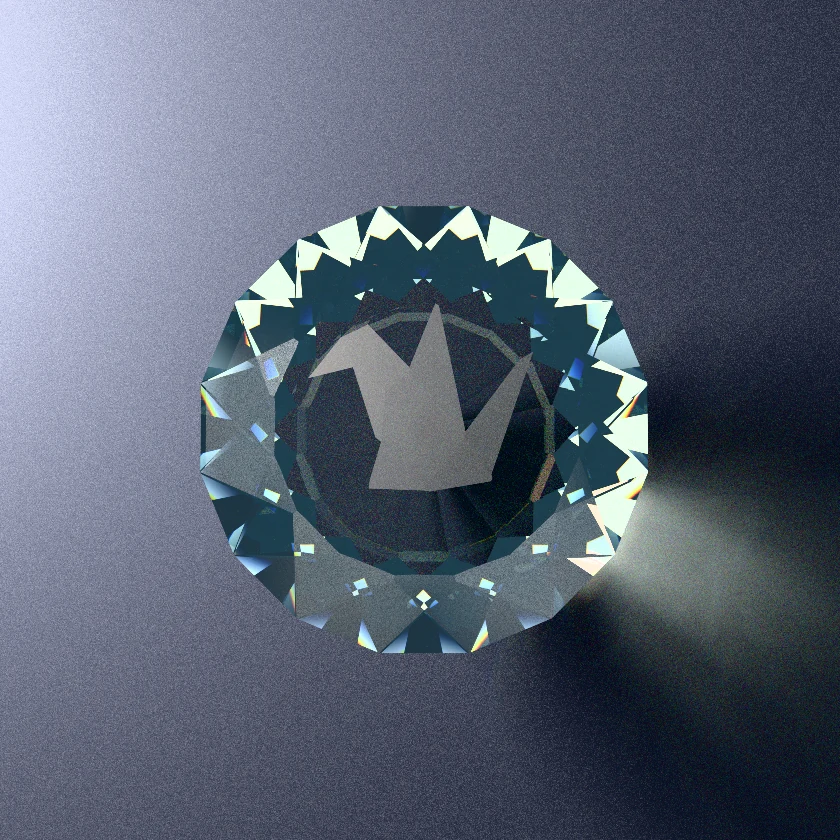
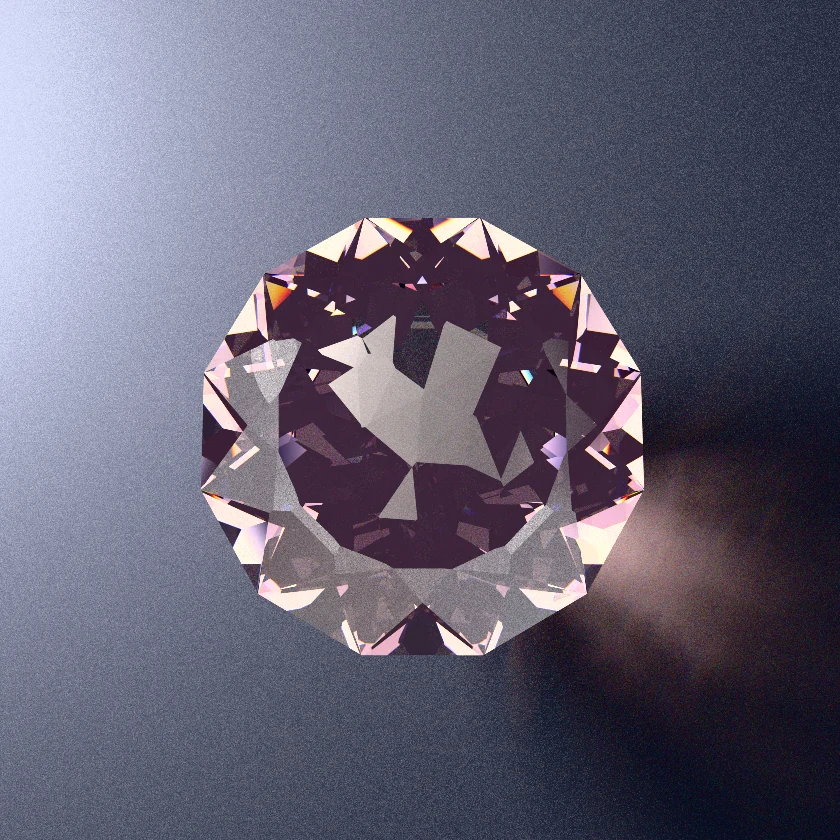
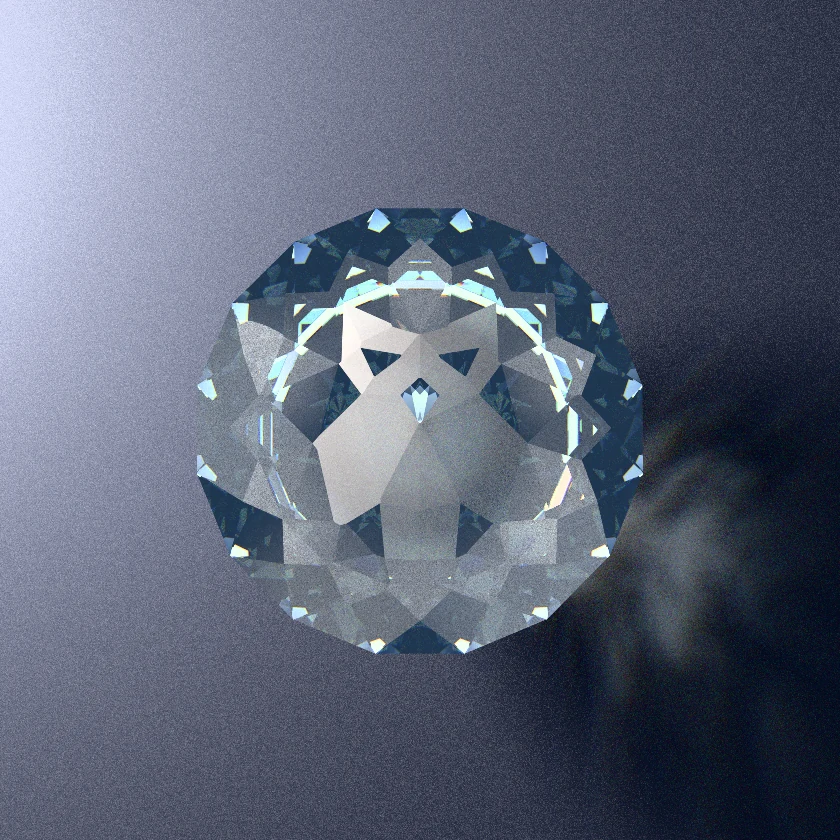
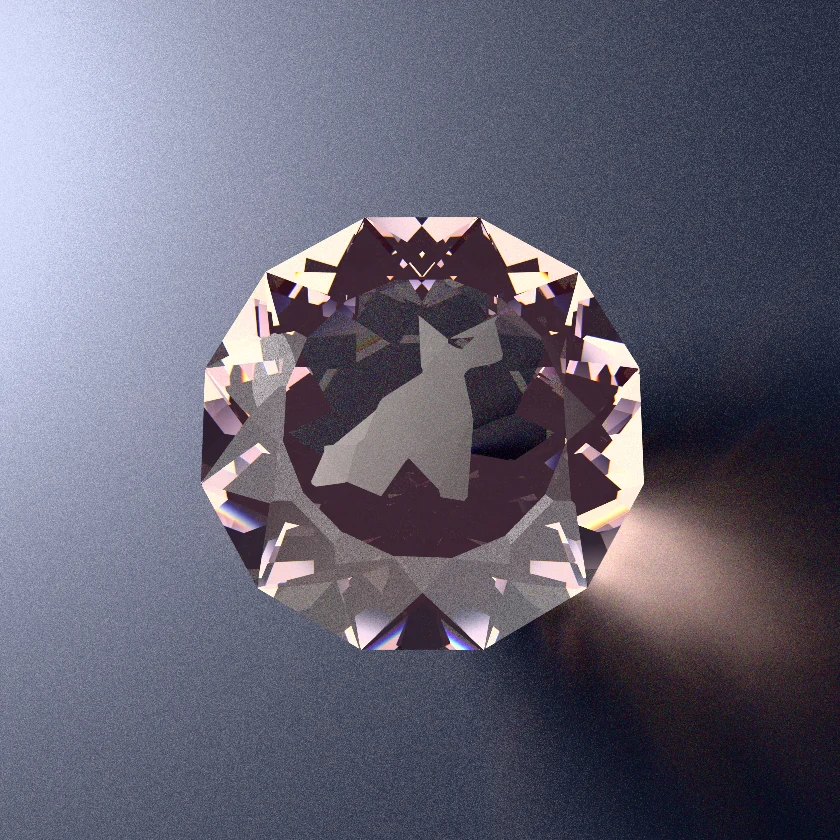
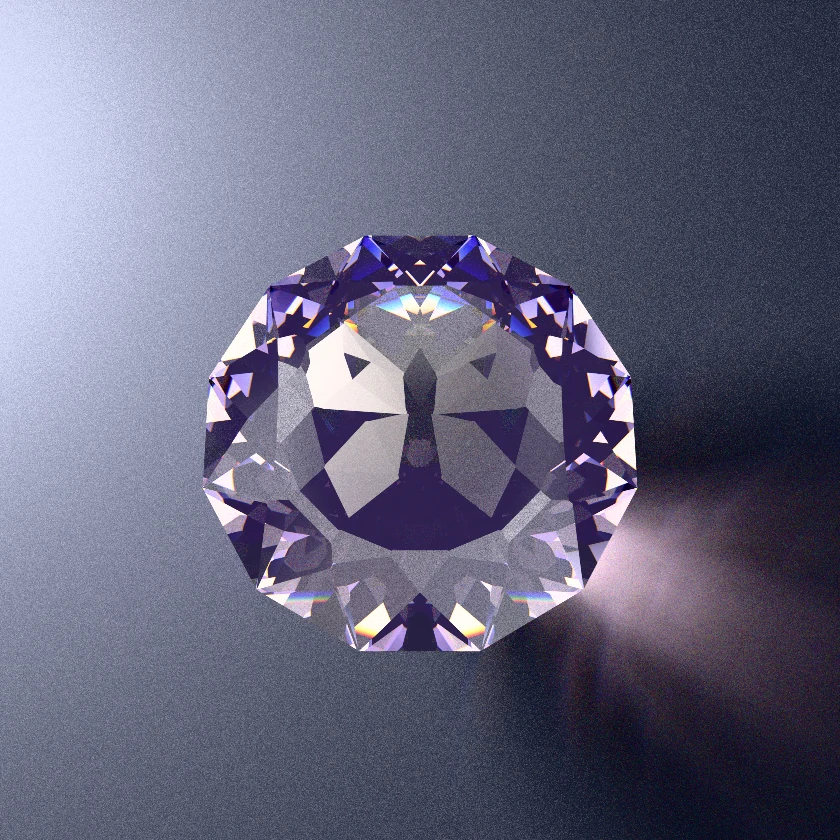
We ended up with 108 Origami Crown Sculptures across 16-fold Round, 12-fold Hex, and 8-fold Octagon outlines, including cranes, dragons, horned owls, howling wolves, swallowtail butterflies, sea turtles, hummingbirds, leaping stags, manta rays, koi, unicorns, cats, and lotus blossoms. Every design is tuned strictly between RI 1.54 and RI 1.76, and verified automatically line-by-line to ensure 100% meetpoint cutting and zero surviving CH* facets.
Here are six of my favorites, rendered directly from their meetpoint files:
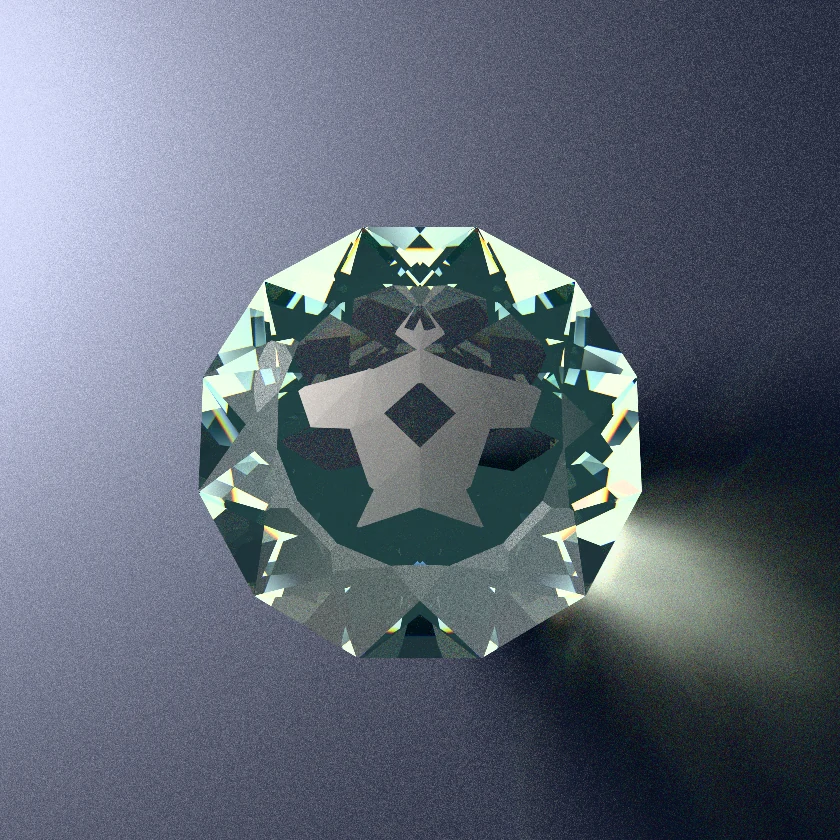
And here is what twelve of the sculptures look like side by side as pure 96-index crown blueprints:
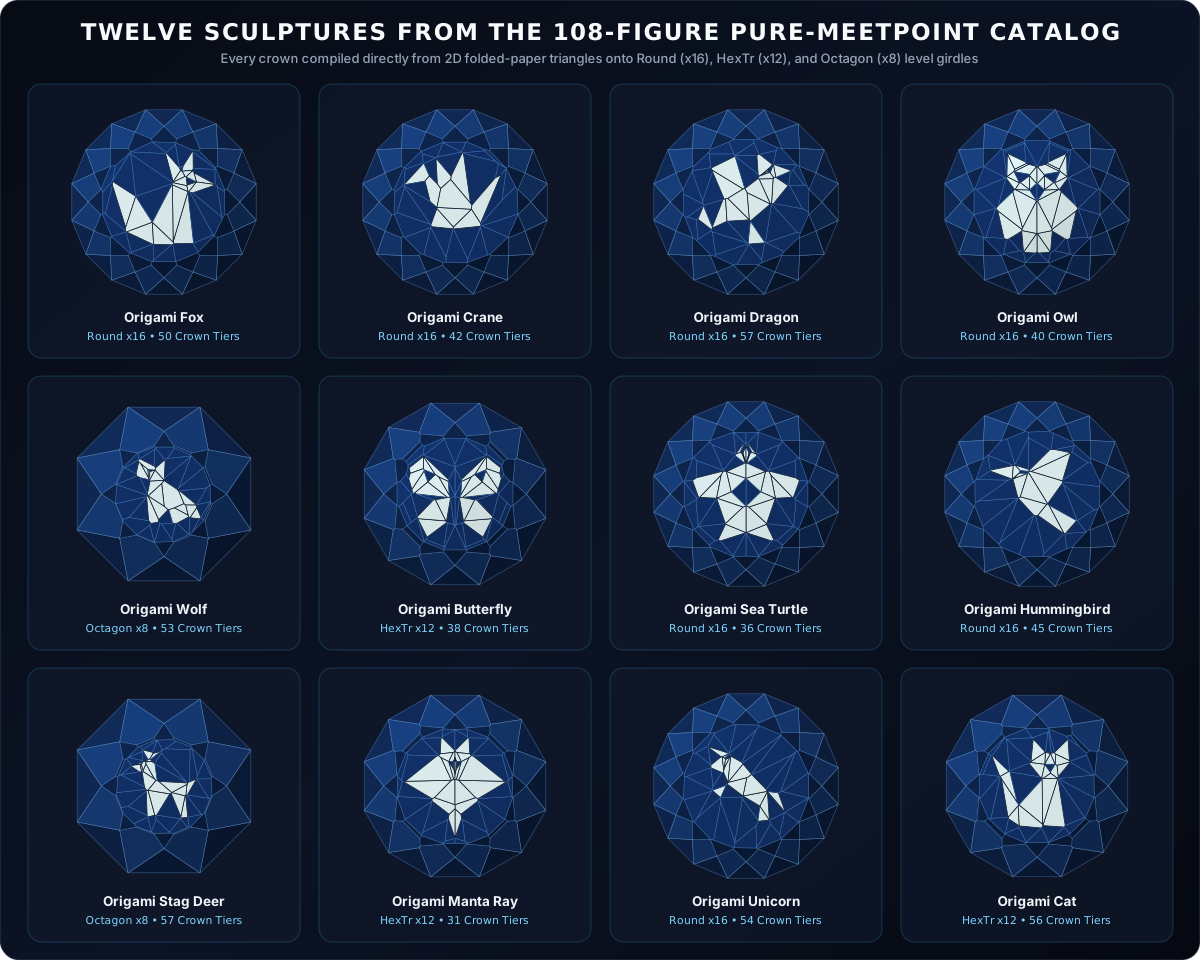
The Complete 108-animal Crown Blueprint Atlas
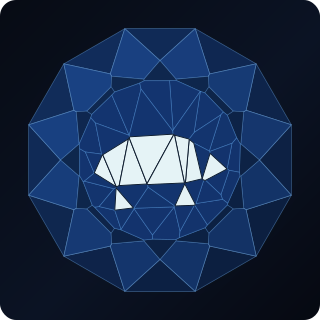
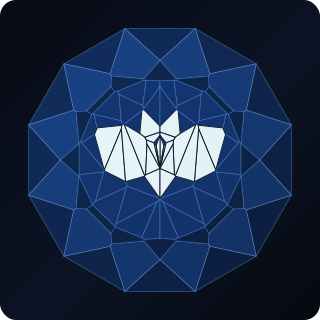
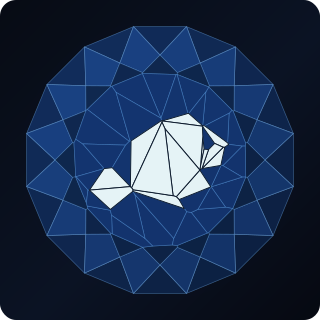
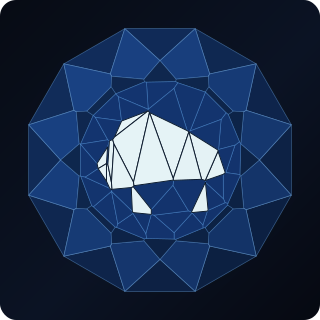
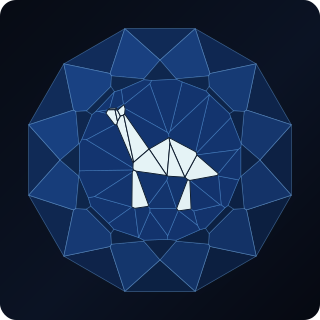
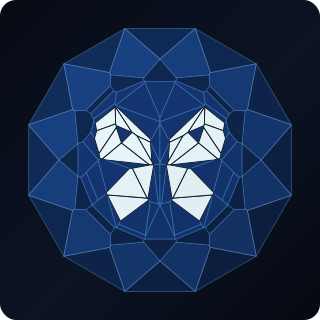
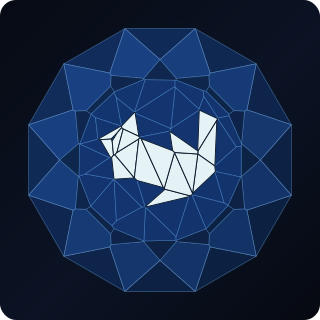
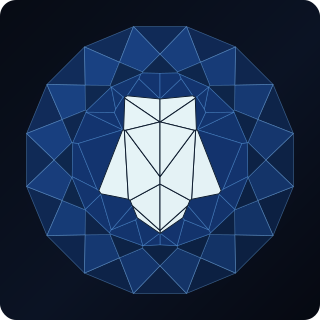
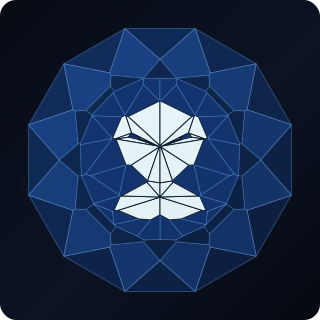
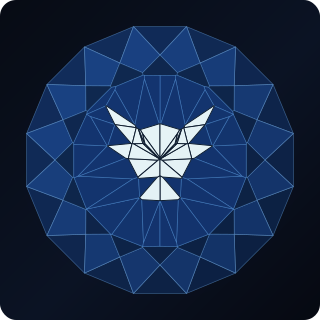
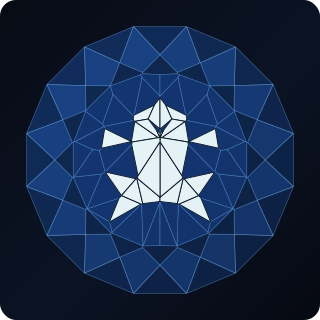
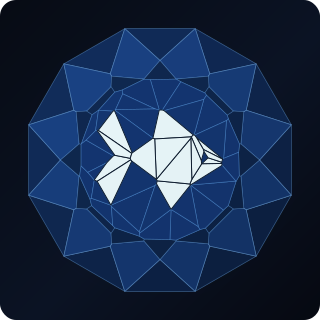
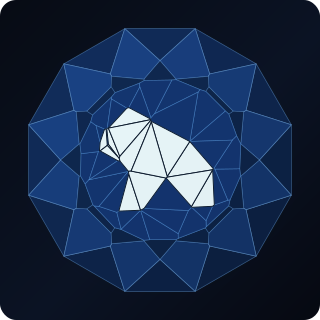
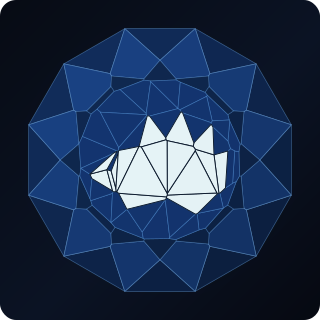
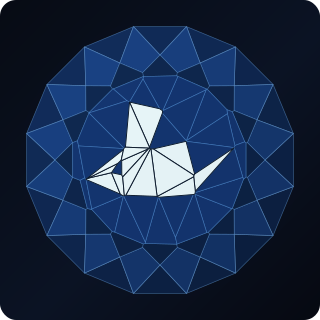
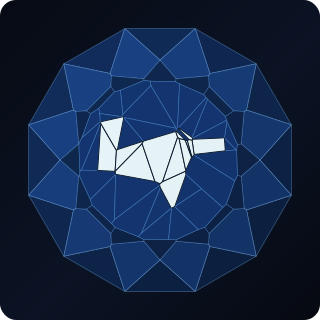
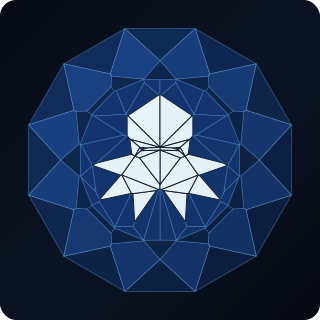
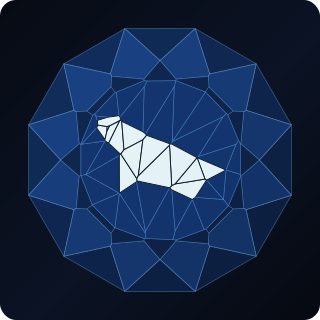
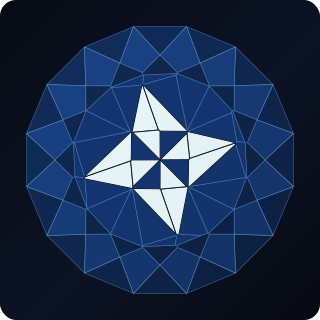
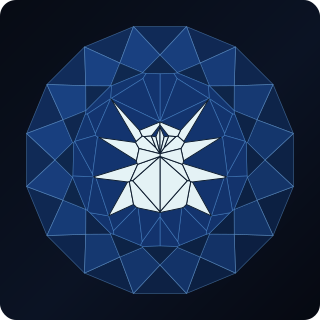
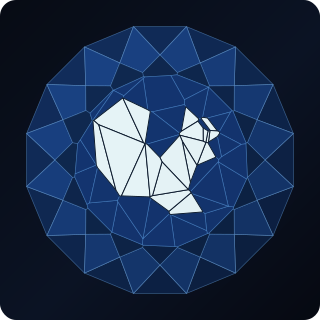
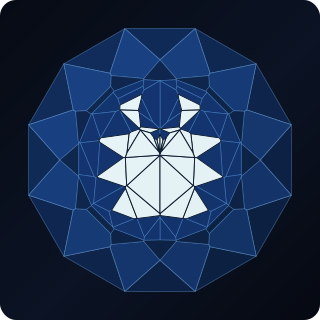
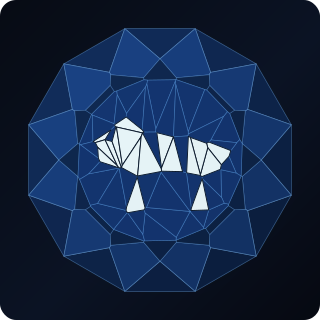
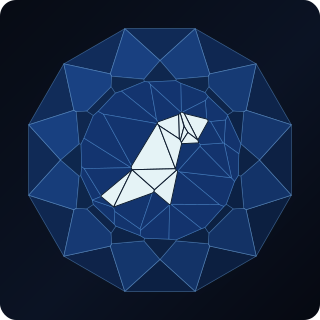
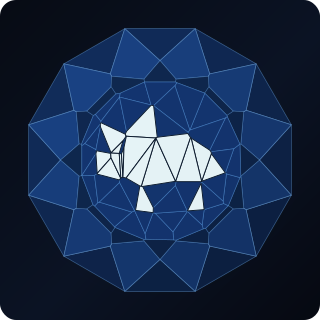
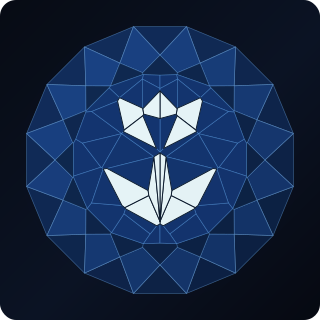
Every single one of the 108 Origami Crown Sculptures (RI 1.54 Quartz through RI 1.76 Sapphire) is shown below directly from its 3D meetpoint crown, with dark blue polygons for mirror-polished crystal windows and bright silver-ice polygons for { frosted: true } folded-paper facets. Click any animal to view its studio renders, grab its free ($0) PDF bench sheet and FSL file, or open step-by-step 3D visual cutting instructions at ProFacet.com:
 FREE
FREE
 FREE
FREE
 FREE
FREE
 FREE
FREE
 FREE
FREE
 FREE
FREE
 FREE
FREE
 FREE
FREE
 FREE
FREE
 FREE
FREE
 FREE
FREE
 FREE
FREE
 FREE
FREE
 FREE
FREE
 FREE
FREE
 FREE
FREE
 FREE
FREE
 FREE
FREE
 FREE
FREE
 FREE
FREE
 FREE
FREE
 FREE
FREE
 FREE
FREE
 FREE
FREE
 FREE
FREE
 FREE
FREE
 FREE
FREE
 FREE
FREE
 FREE
FREE
 FREE
FREE
 FREE
FREE
 FREE
FREE
 FREE
FREE
 FREE
FREE
 FREE
FREE
 FREE
FREE
 FREE
FREE
 FREE
FREE
 FREE
FREE
 FREE
FREE
 FREE
FREE
 FREE
FREE
 FREE
FREE
 FREE
FREE
 FREE
FREE
 FREE
FREE
 FREE
FREE
 FREE
FREE
 FREE
FREE
 FREE
FREE
 FREE
FREE
 FREE
FREE
 FREE
FREE
 FREE
FREE
 FREE
FREE
 FREE
FREE
 FREE
FREE
 FREE
FREE
 FREE
FREE
 FREE
FREE
 FREE
FREE
 FREE
FREE
 FREE
FREE
 FREE
FREE
 FREE
FREE
 FREE
FREE
 FREE
FREE
 FREE
FREE
 FREE
FREE
 FREE
FREE
 FREE
FREE
 FREE
FREE
 FREE
FREE
 FREE
FREE
 FREE
FREE
 FREE
FREE
 FREE
FREE
 FREE
FREE
 FREE
FREE
 FREE
FREE
 FREE
FREE
 FREE
FREE
 FREE
FREE
 FREE
FREE
 FREE
FREE
 FREE
FREE
 FREE
FREE
 FREE
FREE
 FREE
FREE
 FREE
FREE
 FREE
FREE
 FREE
FREE
 FREE
FREE
 FREE
FREE
 FREE
FREE
 FREE
FREE
 FREE
FREE
 FREE
FREE
 FREE
FREE
 FREE
FREE
 FREE
FREE
 FREE
FREE
 FREE
FREE
 FREE
FREE
 FREE
FREE
 FREE
FREE
 FREE
FREE
 FREE
FREE
A Fair Warning And A Free Gift For The Curious Bench
Let's be completely honest about cutting one of these in real life: these are extreme, experimental bench projects.
Almost everything else on OffTheDop is designed to be straightforward to cut and ruthlessly bright. An Origami Crown Sculpture is the exact opposite. You are cutting 35 to 60 individual single-index (x1) planes on the crown, many sitting at whisper-shallow angles between 0.5° and 6° where a coarse lap would wipe out the whole dome in half a second. One wrong tooth on the 96-index gear slices across your animal; a tiny bit of mast flex or cheater drift compounds down a 30-facet meetpoint chain; and static 2D paper diagrams alone can't show you the temporary CH* guide facets because later cuts erase them! If you decide to tackle one, start with a generous 12 mm+ piece of clean rough, use only fine pre-polish laps (1,200–3,000 grit) once you pass C3, and keep the design open in profacet.com right next to your machine so you can step through every single tier and temporary help-cut visually in 3D as you go.
Nobody cuts a forty-seven-facet origami fox for commercial production. You cut one on a rainy weekend simply because watching a folded-paper animal emerge out of crystal meetpoints under your loupe is ridiculously fun. For that reason, all 108 Origami Crown Sculptures on OffTheDop are completely free ($0). No cart, no checkout, no paywall. Pick an animal that makes you smile, download the PDF and FSL, open the tier-by-tier 3D guide on profacet.com, and see if you can teach a piece of quartz or sapphire to fold paper.
Download Any Origami Bench Sheet & FSL Free ($0)
Every sculpture includes GPU BDPT renders, ASET diagnostics, a printable PDF bench sheet, sanitized FSL, and 1-click tier-by-tier 3D cutting views at ProFacet.com.